Defer: Capture Tasks
Levi Nelson, LLC
Best for
iPhone-to-Mac task inbox
About
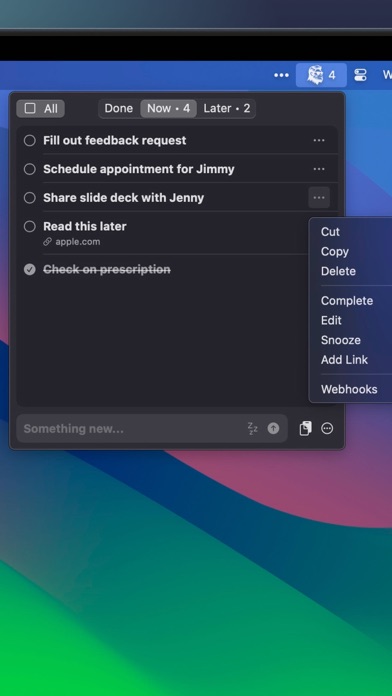
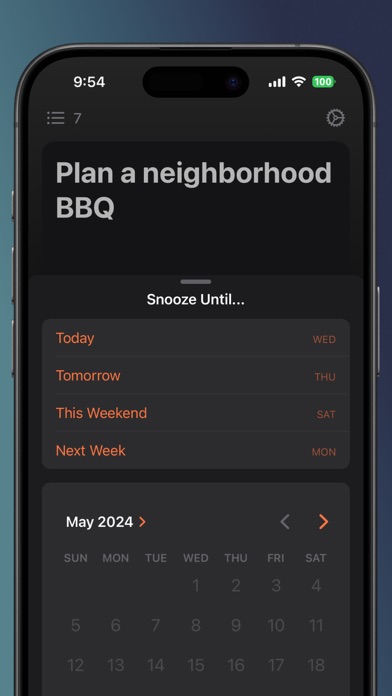
Task/capture inbox: type or paste and move on; act on it later on the Mac app. Private iCloud storage, no account.
Key features
- Simple: No bloat. Fast. Just write!
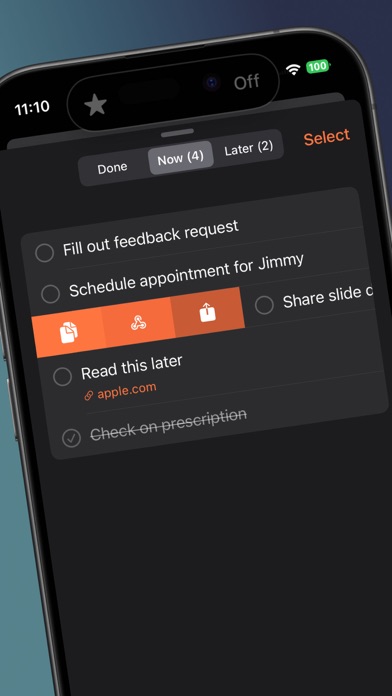
- Integrated with Siri, Shortcuts, and Widgets (activate Siri and then say "Defer Something")
- Pro feature: Use webhooks to send tasks to other apps, on demand or automatically.
- Private by Design: All your data is either stored on device or in a private iCloud container if you've got an Apple ID.
- Synced Automatically: No account creation needed. If you're signed in with the same Apple ID on multiple iOS devices, everything will just sync.
- Export anytime: Take your data with you in the form of a very compatible .csv file.
Capture types
Text Voice Photo Scan
Content types
Notes Tasks Email Links
Platforms
Apple features
Lock screen widget Yes
Action Button Unknown
Home screen widget Yes
Control Center Unknown
Share sheet Yes
Siri Yes
Shortcuts Yes
Spotlight Unknown
Safari extension Unknown
Details
Pricing Freemium
Rating 4.8
Category Productivity
FAQ
Where do my notes go?
Defer (private iCloud).
Is there a one-time price?
Only subscriptions appear in the App Store IAP list.
Does it work on Mac?
A Mac is listed in supportedDevices, and the listing mentions iCloud sync.
Screenshots