Quick Capture - Vault notes Companion · Obsidian
Pradeep Burugu
Best for
Obsidian users who want instant capture into fixed notes
About
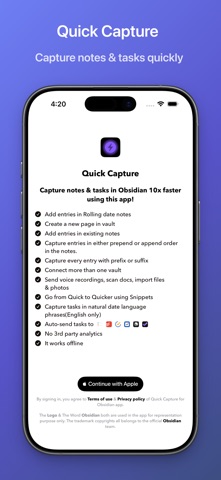
Capture screen for Obsidian users that writes notes into pre-set vault destinations, so you don't pick a vault or page each time. Supports multiple destinations and vaults.
Key features
- You can send voice recordings with transcription to your vault.
- You can send files or photos to your vault.
- You can sketch and send those drawings to your vault.
- You can create multiple destinations to one vault
- You can also connect to multiple vaults where each destination is dedicated to one vault
- You can create a new note in a vault.
Capture types
Text Voice Photo Scan
Content types
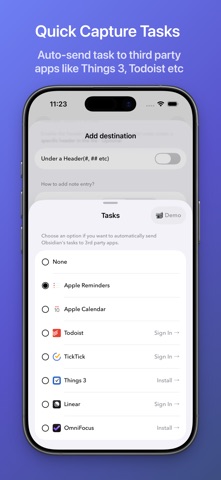
Notes Tasks Email Links
Platforms
Apple features
Lock screen widget Yes
Action Button Yes
Home screen widget Yes
Control Center Yes
Share sheet Unknown
Siri Yes
Shortcuts Yes
Spotlight Yes
Safari extension Yes
Details
Pricing Freemium
Rating 4.5
Category Productivity
FAQ
Where do my notes go?
Your Obsidian vault(s), configured destinations.
Is there a one-time price?
Yes, a one-time unlock is available.
Screenshots